
A booking email subject line has one job: tell the guest, in the first few words, what the email is and which game it concerns. Name the room, the date and the time, put the most important words first, and keep the line short enough to survive a phone screen. The rest of this guide gives you the formulas and examples for each message in a booking journey, with the reasoning behind them, so your emails get opened and your guests turn up on time.
One point sits underneath all of it. Subject lines work best when the email is sent automatically, at the right moment, with the booking details filled in. A line like “Your Saturday 6:30 PM game at [Venue] is confirmed” is only as good as the system that fills in the day, the time and the room. Riddlio handles bookings, payments and customer communications, including email and SMS reminders, in one place, so each message goes out with the right details attached.
TL;DR
- Lead with what happened or what is coming (“Confirmed”, “Tomorrow”), then the room name and the date. Skip clever wording.
- Aim for roughly 30 to 50 characters. Phones cut off long lines, so front-load the words that matter.
- Send four core messages: confirmation, a reminder a few days out, a short reminder the day before, and a follow-up after the game.
- Changes and cancellations need the date in the subject line, or guests skip them.
- Keep every subject line honest about what is inside. US law requires it for commercial email.
Table of Contents
- What a booking subject line has to do
- How long should the subject line be?
- Booking confirmation subject lines
- Reminder subject lines that cut no-shows
- Subject lines for changes and cancellations
- Follow-up and rebooking subject lines
- Personalisation and testing
- Keep your subject lines honest
- Putting it together: a ready set
- Where Riddlio fits
- Our view: the subject line is part of the booking, not marketing
- FAQ
- Sources
What a booking subject line has to do
Guests do not read a booking email for pleasure. They open it to check something: when the game is, where to park, who else is coming. That changes how you write the line.
A good booking subject line passes three tests:
- It says what the email is. “Booking confirmed” or “Reminder” leaves no doubt. “Big news from us!” could be anything.
- It identifies the game. The room name, date and time let a guest scan their inbox and know which booking it refers to. This matters most for guests who book several rooms, or for team organisers juggling a group.
- It can be found later. Guests search their inbox for the venue name or the date on the morning of the game. A subject line containing both gets found. “Booking received” does not.
This is also why cleverness is a poor trade here. The curiosity tactics that work in promotional email, where the goal is to win a click from a stranger, add friction in a transactional message. The guest has already paid. They want reassurance and details. Save the wit for the body copy and for your promotional campaigns.
How long should the subject line be?
Aim for around 30 to 50 characters, which is roughly seven to nine words. Desktop inboxes show more, around 60 characters, but a lot of your guests will see your email on a phone first, where the visible preview is often closer to 30 to 40 characters. These figures come from an email-tool vendor’s 2026 analysis, so treat them as a working guide rather than a hard limit.
The practical rule: write the line so that it still makes sense if it is cut after the first 35 characters.
| Version | Characters | What a phone shows |
|---|---|---|
| Confirmed: The Vault, Sat 6:30 PM | 33 | Everything |
| Your booking for The Vault on Saturday 14 March at 6:30 PM has been confirmed | 76 | Cut off around “Your booking for The Vault on Satur…” |
| Confirmed: The Vault, Sat 14 Mar | 32 | Everything |
The second version buries the useful part (the date and time) at the end, which is exactly where truncation removes it. Put the status first, the room second and the time third.
A second tool is the preview text, the grey line next to the subject in most inboxes. If you do not set it, many email apps fill it with something like “View this email in your browser”. Use it to carry the next most useful fact: the arrival time, the address or a link to manage the booking.

Booking confirmation subject lines
The confirmation is the most-opened email you send, because guests want proof that the booking worked. It should go out the moment payment clears. A system that sends it automatically matters here, since a guest who does not receive a confirmation within a minute or two often books again or calls you.
The formula: status + room + date and time, with a reference number if you use one.
Examples:
- Confirmed: The Vault, Saturday 6:30 PM
- You’re booked: Lab 51, Fri 14 Mar, 7:00 PM
- Your game at [Venue] is confirmed for Saturday
- Booking confirmed (#4821): The Vault, Sat 6:30 PM
A few notes on choices:
Put the status word first. “Confirmed” in the opening characters answers the guest’s question before they even open the email.
Include a reference number only if guests will use it. If your team looks bookings up by name, a number adds length for little benefit. If you have a high volume of walk-in checks or group bookings sharing a surname, a short reference helps both sides. When you use one, repeat it in the first line of the email body so guests can find it with a search.
Use the venue name. Guests often book with several local businesses in the same month. The venue name makes your email the one they find when they search “[Venue]” on the day.
Keep emojis to one, or none. A single emoji can add warmth (“You’re booked in! See you Saturday 🎉”), but a line of them looks like promotion and can read as spam.
We go deeper on what belongs in the body of this email in our guide to booking confirmation email examples.
Reminder subject lines that cut no-shows
Reminders are where subject lines earn their keep. A no-show costs you the whole slot, because an escape room game cannot be resold ten minutes before it starts. A late arrival costs you the briefing time, and sometimes pushes the next group back.
Most venues do well with two email reminders, plus an SMS close to game time. A simple schedule:
| Timing | Purpose | Example subject line |
|---|---|---|
| Immediately | Confirmation | Confirmed: The Vault, Sat 6:30 PM |
| About 3 days before | Final details | Final details for The Vault on Saturday |
| 24 hours before | Memory jog | Tomorrow 6:30 PM: your game at [Venue] |
| 2 to 3 hours before (SMS) | Arrival | Today 6:30 PM at [Venue]. Arrive 15 min early. |
The three-day touchpoint is an established pattern in the escape room world. Room Escape Artist, a long-running escape room review site, published a final-details reminder template sent about three days before the game, with the date in the subject line and meet-up times of 45 and 15 minutes before game time spelled out in the body. The idea holds up: the first reminder is about logistics, so the subject line should promise logistics.
Writing the 24-hour reminder
The day-before email is the one that stops forgetting. Make it unmistakable:
- Tomorrow 6:30 PM: The Vault at [Venue]
- See you tomorrow at 6:30 PM, [First name]
- Reminder: your escape room game is tomorrow
The word “tomorrow” and the time do the work. Avoid vague pushes such as “Don’t miss out!”, which tells the guest nothing they did not know and sounds like a sales message. Gentle urgency works better than alarm: “Coming up tomorrow” feels helpful, while “Final warning!” feels aggressive and can sour the relationship before the game starts.
Add the arrival instruction to the preview
Most late arrivals are not rudeness. They are parking, a missed turn or a misunderstanding about arrival time. Use the preview text to carry the fix: “Arrive 15 minutes early. Free parking behind the building.” Then repeat directions, parking and what to wear in the body.
Email and SMS work as a pair
Email carries detail; SMS carries urgency. A text is read within minutes, while an email can sit unopened for hours. So let the email do the explaining and the SMS do the nudging. We cover the text side in more depth on our page about SMS reminders for escape rooms.

Subject lines for changes and cancellations
When a booking changes, the guest needs to know immediately and without opening three emails to work it out. The date in the subject line is the single most useful addition.
For a guest-requested change:
- Updated: The Vault moved to Sun 15 Mar, 4:00 PM
- Your booking has changed: new time Saturday 8:00 PM
For a cancellation:
- Cancelled: your Saturday 6:30 PM game at [Venue]
- Your booking on 14 March has been cancelled
For a change you have to make, such as a maintenance closure or a staffing gap:
- Your Saturday game needs to move: pick a new time
- Action needed: your 14 March booking at [Venue]
Three habits help:
Avoid “Booking update” on its own. It reads like a newsletter. A specific date reads like something about their plans.
Put the next step in the subject if the guest has to act. “Pick a new time” or “Choose a new slot” tells them the email needs a response.
Apologise in the body, not the subject. The subject needs to be clear first. A warm tone belongs in the first sentence.
A cancellation is also a chance to refill the slot. If the guest cancels, include a rebooking link on the first screen. Sending the message automatically, with the right date, avoids the typing errors that come with writing these by hand under pressure.
Follow-up and rebooking subject lines
After the game, the aim changes from logistics to relationship. Guests who enjoyed themselves are your cheapest source of repeat bookings, reviews and team-building referrals. These emails are usually promotional or mixed, so the subject line can be warmer, but it still has to be accurate.
- How was The Vault? Tell us in 30 seconds
- Thanks for playing, [First name]. Your team photo is inside
- Your next escape: 10% off for your team (if you offer a discount, state the actual terms in the email)
- Planning a team event? Here is how groups book with us
Send the thank-you or review request the day after the game, while the experience is fresh. Send rebooking and group-event offers later, and segment them: a corporate team organiser and a birthday group need different messages. Our team-building marketing playbook covers how to approach the corporate side.
Personalisation and testing
Personalising the subject line with a first name or a game name is a low-effort improvement, and it suits the transactional emails above: “[First name], your game is tomorrow at 6:30 PM” is clear and personal. Keep it natural. If your booking form sometimes captures a surname or a nickname in the first-name field, a mistaken greeting looks sloppy, so check how names are collected. Our guide to booking form design covers the fields that matter.
If you want to test, change one thing at a time: the word order, an emoji or the length. Compare results over a few weeks, since a single weekend is too small a sample for most venues. Measure the outcomes you care about rather than open rates alone:
- No-show rate and late arrival rate per reminder version
- Confirmation-to-arrival rate for the booking
- Rebooking rate from follow-up emails
- Reply and call volume after the confirmation, which falls when the email answers the common questions
Open rates are worth watching but have become less reliable as some email apps preload messages. Attendance is the number that pays the rent.
Keep your subject lines honest
US law sets a baseline here. The Federal Trade Commission’s CAN-SPAM compliance guide states that a subject line must accurately reflect the content of the message, and that your “From” and routing information must identify the business that sent it. The same guide explains that an email whose subject suggests a promotion is treated as commercial, and that when a message mixes commercial and transactional content, the transactional part needs to come mainly at the beginning.
In practice: do not put “Your booking is confirmed” on an email that is really a promotion. Keep confirmations and reminders about the booking, and send offers in a separate message with its own subject line and an unsubscribe option. That also gives your guests a cleaner inbox experience, which is good for trust and for deliverability.
Putting it together: a ready set
Here is a complete set for a venue called The Vault, with a Saturday 6:30 PM booking. Swap in your own names.
- Confirmation (immediately): Confirmed: The Vault, Sat 6:30 PM
- Final details (3 days before): Final details for The Vault on Saturday
- Reminder (24 hours before): Tomorrow 6:30 PM: your game at The Vault
- SMS (2 to 3 hours before): Today at 6:30 PM. Please arrive by 6:15. See you soon!
- Change (if needed): Updated: The Vault moved to Sun 4:00 PM
- Cancellation: Cancelled: your Saturday 6:30 PM game
- Thank-you (next day): Thanks for playing, [First name]. How did it go?
- Rebooking (2 to 4 weeks later): Ready for the next room? New games at The Vault
Every line puts the useful words first, names the venue or room and avoids any wording a guest could mistake for promotion, apart from the last one, which is clearly marked as such.
Where Riddlio fits
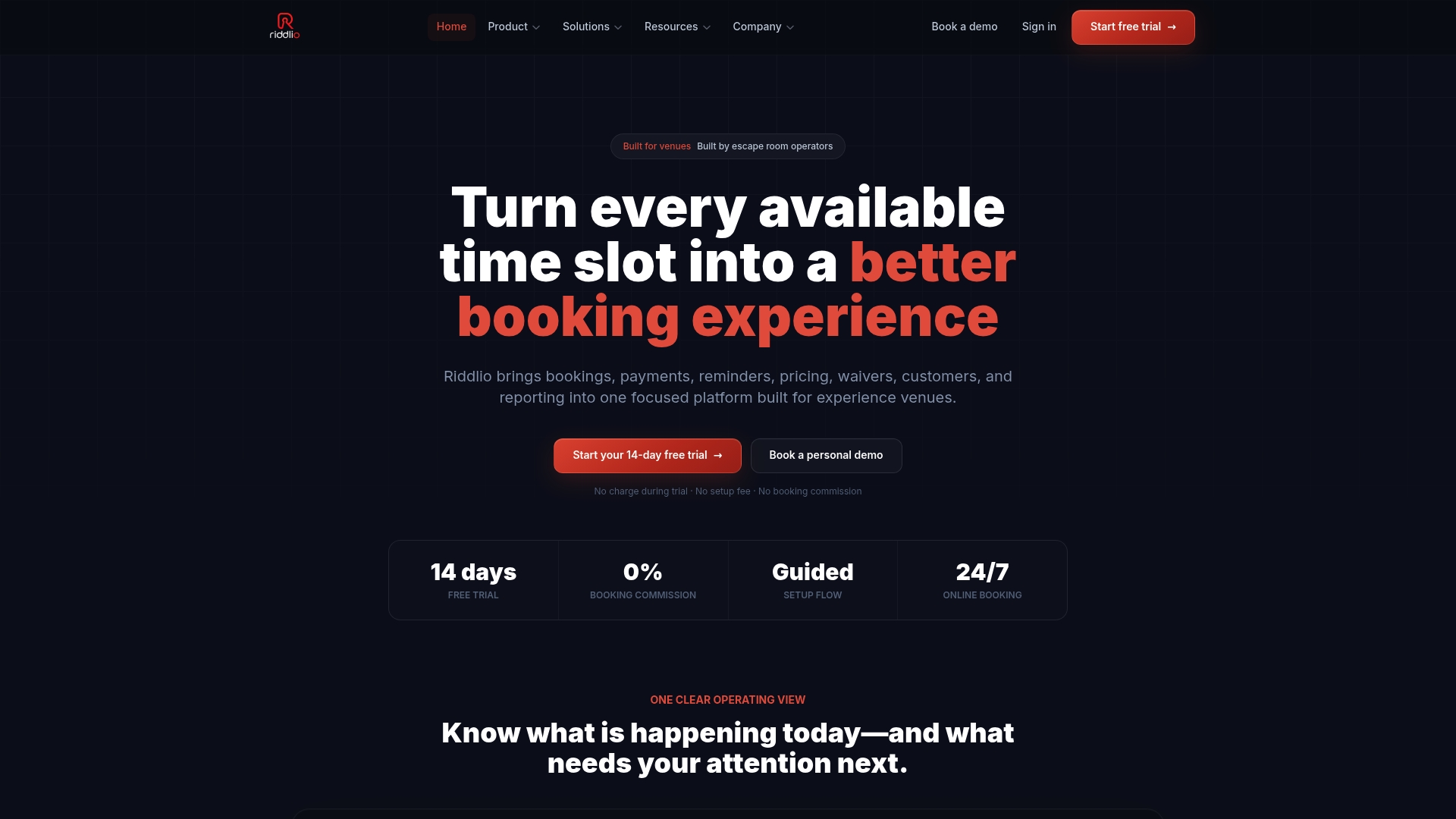
Writing a good set of subject lines takes an afternoon. Sending them reliably, for every booking, with the right date, room and time, is the part that eats staff hours when it is done by hand. Riddlio is built for escape room venues and brings bookings, payments, availability, customer communications and reporting into one platform, with email and SMS reminders among the communications tools. That means a confirmation or reminder is tied to the booking itself rather than to someone remembering to send it.
Plans start at $29 per month for Starter, with Pro at $79 per month and Unlimited at $199 per month; Enterprise has no published price. You can see what each tier includes on the Riddlio pricing page, or look at how the escape room booking system ties availability, payments and messages together.
If your main goal is fewer empty slots, start with the reminders. A clear subject line, a text on the day and an accurate calendar do more for attendance than almost any other change you can make in an afternoon.
Our view: the subject line is part of the booking, not marketing
Most venue owners we talk about subject lines with treat them as a copywriting problem. We see them as an operations problem. The guest has booked, paid and planned an evening around your room. Every message after that has one task: help them arrive relaxed and on time.
That is why we build Riddlio around the booking rather than around the newsletter. Availability, player numbers, payments and communications sit in one place, so the confirmation shows the real room and the real time, and the reminder goes out because the booking exists, not because someone had a quiet moment to write it.
Our advice is simple. Write plain subject lines with the room, the day and the time. Send them automatically. Pair email with SMS close to game time. Then look at your reporting to see whether late arrivals and no-shows fall. If they do, you have a system. If they do not, change one thing and look again.
Iosif Beraru
FAQ
What is a good subject line for an escape room booking confirmation?
Use the status first, then the room and the time: “Confirmed: The Vault, Sat 6:30 PM”. This tells the guest it worked, which game it is and when, in about 35 characters. Add your venue name if it is not already in the sender field, so the email is easy to find later.
How many reminder emails should I send before a game?
Two emails and one text suit most escape room venues: a final-details email about three days before, a short reminder the day before and an SMS a few hours ahead. The first handles logistics such as parking and arrival time. The second and the text handle forgetting. Adjust the timing to how far ahead your guests usually book.
Should I use emojis in booking subject lines?
One emoji is fine in a friendly confirmation or thank-you, but it is not needed. Avoid rows of emojis and all-caps, which look like promotion and can hurt trust. For reminders and cancellations, plain wording with the date is clearer.
Do subject lines need to follow any rules in the US?
Yes. The FTC’s CAN-SPAM guidance says a subject line must accurately reflect the message content, and that the sender information must be accurate. Keep booking messages about the booking, and send promotions separately with an unsubscribe option.
How do I know if my subject lines are working?
Track the outcomes that matter: no-show rate, late arrivals and rebooking from follow-up emails, not only opens. Change one element at a time, such as word order or length, and compare over several weeks of bookings. Reporting inside your booking platform makes this easier than comparing spreadsheets by hand.
Sources
- CAN-SPAM Act: A Compliance Guide for Business (Federal Trade Commission)
- Pro Tips for Booking Escape Rooms (Room Escape Artist)