
An abandoned booking is a visitor who picked a room, a time or a group size and left before paying. Recovering it takes three things: knowing it happened, getting a short message to the person quickly with a direct link back to the saved booking, and fixing the friction that made them leave. Do those three in that order and a share of your lost bookings comes back at almost no cost, because these people already wanted to play.
This guide is for escape room owners and managers. It covers what counts as abandonment, why players drop out, how to trigger recovery messages, what to write, which numbers show whether it works, and how to prevent the drop-off before it starts.
TL;DR
- An abandoned booking is a started but unpaid booking. It is not a no-show, which is a paid booking where the group never arrives.
- Players usually leave because of unclear room information, group-size surprises, surprise costs or a clumsy booking flow, not because they lost interest in escape rooms.
- Detect the start and the completion of a booking, wait a short window, then send one message with a direct link back to the booking.
- Judge the campaign by recovered bookings and recovered revenue, not by opens alone.
- Fixing the booking form removes more lost bookings than any follow-up email can win back.
Table of Contents
- What counts as an abandoned booking (and what does not)
- Why players abandon an escape room booking
- How to detect an abandoned booking
- When to send the message, and what to say
- Measure what the recovery is worth
- Prevent abandonment before it happens
- A weekly routine for owners
- Where Riddlio fits
- Our perspective
- FAQ
- Sources
What counts as an abandoned booking (and what does not)
Three different losses get mixed up in escape room admin, and each needs a different fix.
| Loss | When it happens | Money status | Typical fix |
|---|---|---|---|
| Abandoned booking | Visitor starts booking, never pays | No payment taken | Recovery message, better checkout |
| Cancellation | Paid booking is cancelled in advance | Paid, then refunded or credited | Clear cancellation and reschedule rules |
| No-show | Paid booking, group never arrives | Paid | Reminders, deposits, waivers upfront |
Venues define a no-show in their own policies. Timebox Escape in Miami, for example, treats a group as a no-show if the customer does not contact the venue before start time and the players do not arrive. That is a booking that existed. An abandoned booking never became one, which is why it is easy to ignore: nothing appears in your calendar, your reports or your refund queue.
It is also the cheapest loss to win back. The visitor has already chosen your venue, a room and usually a date. If you want to tighten the other two losses as well, our guides on the escape room cancellation policy and the booking reschedule policy cover them.
Why players abandon an escape room booking
Recovery works better when your message answers the real reason someone left. The evidence points to a handful of causes.
Unclear room and group-size information
Slamdot’s analysis of escape room websites lists unclear room information, group-size requirements, difficult booking flows and unanswered first-timer concerns as reasons visitors do not book. It also describes the most escape-room-specific trap: a guest chooses a time slot and only then learns that their group size cannot book that room. They back out, try another time, hit the same wall and leave.
This is a different problem from a retail cart. A shop sells one item to one person. You sell a fixed room, a time slot, a minimum and maximum number of players and often per-person pricing that changes with group size. Every one of those is a place to get stuck.
Costs that appear late
Price surprises are the best-documented reason for abandonment in online buying generally. A chart on Baymard’s US shopper research, as reported by Red Stag Fulfillment, puts added costs at 40% of reasons, ahead of card-detail trust concerns at 19%, required accounts at 18% and long or complicated checkout at 17%. Those are shopping figures, not escape room figures, but the mechanism carries over: a booking fee, a tax line or a per-player surcharge that shows only on the last screen feels like a bait-and-switch.

Regulators treat hidden fees seriously. The US Federal Trade Commission’s complaint against Instacart describes shoppers who felt a “free delivery” offer was misleading because mandatory service fees were hidden until checkout. Your venue is a different business, but the lesson is the same: show the total early.
Browsing, comparing and interruptions
Some people were never going to finish. Slamdot notes that visitors may be comparing options, planning ahead or simply distracted. A group organiser might be waiting for friends to confirm a date. This is the group a well-timed reminder reaches best, because they intend to come back.
How to detect an abandoned booking
You cannot recover what you cannot see. Detection needs two events and a timer.
- Start event. Record when someone begins the booking flow, ideally once they have chosen a room or entered an email address.
- Completion event. Record when the booking is successfully paid or confirmed.
- Wait window. If completion has not happened when the window ends, trigger the recovery message.
This is exactly how messaging platforms describe it. OneSignal’s documentation for booking flows tracks a booking_started event and a booking_complete event, and its journey waits for completion before sending a recovery email when the wait expires. Its worked example uses a 10-minute maximum wait.
Two practical points follow.
- You need a way to contact the person. Abandonment recovery only works for visitors who gave an email address or phone number before leaving. Ask for contact details early in the flow, before payment, and explain why: so a confirmation can be sent.
- Stop the message when they finish. The most irritating recovery email is the one that arrives after the player already paid. The completion event must cancel any pending message.
Our online booking calendar is built around room availability and group bookings, and our booking system keeps bookings, payments and customer communications in the same place, which is what makes the two events above easy to line up.
When to send the message, and what to say
Timing
Speed matters because intent fades. OneSignal’s example journey sends the recovery email after a short wait of up to 10 minutes. For escape rooms a sensible pattern is:
- First message: within the first hour. The visitor still has the tab open or remembers the room.
- Second message: the next day, only if there was no reply or completion. Useful for group organisers waiting on friends.
- Stop there for most venues. Two messages are a reminder; five are a nuisance, and they hurt your brand with people who might still book next month.
If the slot they chose is likely to sell out, say so factually in the second message, for example that the 7 pm Saturday slot is still open at the time of sending. Never invent scarcity. If it is not true, do not write it.
Content
OneSignal’s example message states plainly that the booking is incomplete, includes a direct link to finish it and can carry a coupon. That is the right skeleton. Fill it with the details that matter for an escape room:
- The room name and the slot they chose, so the message is recognisable at once.
- The group size and the total price, with any fees included. This answers the two most common doubts without the reader having to click.
- One button or link back to the booking, not a link to your homepage.
- One line for first-timers: how long the game runs, whether it is suited to beginners, and the age guidance. Slamdot flags unanswered first-timer concerns as a reason for lost bookings, so answer them before they are asked.
- A reply route if the question is about group size, a private event or accessibility.
A short example subject line: “Your Saturday 7 pm game is still open.” The body: room, time, six players, total price, a link, and one sentence about what to expect.
Offer a discount only if your pricing strategy already includes one. Many abandoned bookings need an answer, not a coupon, and routine discounts teach customers to abandon on purpose.
Make resuming effortless
The link is where recovery succeeds or fails. ServiceHub’s write-up of recovering widget drop-offs describes a secure link that reopens the saved booking with the earlier answers still in place, with a text-message option for people who prefer to continue by SMS. Apply the principle: the player should land on the same room, date, time and group size they left on, one tap from payment. If they must start again, most will not.
On a phone, this is non-negotiable. Many group organisers book from a messaging thread, so the page the link opens must work on a small screen, with a calendar that is easy to tap and a payment step that does not require creating an account.
Measure what the recovery is worth
Open rates feel good and prove little. These are the numbers to track, each one calculable from your own booking data.
| Metric | How to calculate it | What it tells you |
|---|---|---|
| Abandonment rate | Started bookings that were not completed, divided by started bookings | How big the leak is |
| Recovery rate | Bookings completed after a recovery message, divided by messages sent | Whether the message works |
| Recovered revenue | Total paid value of those recovered bookings | What the campaign earns |
| Time to recover | Gap between message and payment | Whether your timing is right |
| Drop-off step | Which step (room, time, group size, payment) people leave at | Where to fix the form |
| Unsubscribes and complaints per send | Opt-outs divided by messages sent | Whether you are sending too much |
Two habits keep the figures honest. First, count a recovery only when the customer completes the booking within a fixed period after the message, such as seven days, so you are not crediting the email for bookings that would have happened anyway. Second, compare against a baseline: note your abandonment rate for a month before you switch recovery on, then compare.
The drop-off step is the most valuable number in the table. If most people leave at the group-size screen, the problem is not your email. It is your form. Reporting that shows booking and revenue performance in one view makes this analysis a routine check, not a spreadsheet project.
Prevent abandonment before it happens
Recovery is the safety net. The better investment is a flow that loses fewer people. Slamdot’s recommendations translate into a simple checklist:
- Show room details upfront: theme, difficulty, age guidance and suggested group sizes, before the visitor picks a time.
- Keep the steps linear: room, then date, then time, then group size, then payment, with no backtracking.
- Display minimums, capacity and pricing clearly: state whether the price is per person or per group, and show the total.
- Optimise the form and calendar for mobile.
- Offer guest checkout so nobody has to create an account to play.
Check group-size rules first. Showing the minimum and maximum before the time slot removes the late surprise Slamdot describes. Our guide on booking form design walks through six checks for escape room forms, and the reservation system page shows how room availability and player numbers fit together.
Payment is the last hurdle. Card trust and clumsy payment steps are among the reasons shoppers leave, so a checkout that supports familiar payment providers matters. Our payment processing works with Stripe, Square and PayPal.
A weekly routine for owners
You do not need a project team. Fifteen minutes a week is enough.
- Look at last week’s started bookings against completed ones.
- Note the step where most people left.
- Read the recovery message for the slot that sold worst and check it still matches the room page.
- Check the recovered revenue figure and the unsubscribe count.
- Change one thing, and write down what you changed so you can see its effect next week.
Change one thing at a time. If you rewrite the subject line, the timing and the form on the same day, you will not know which one helped.
Where Riddlio fits
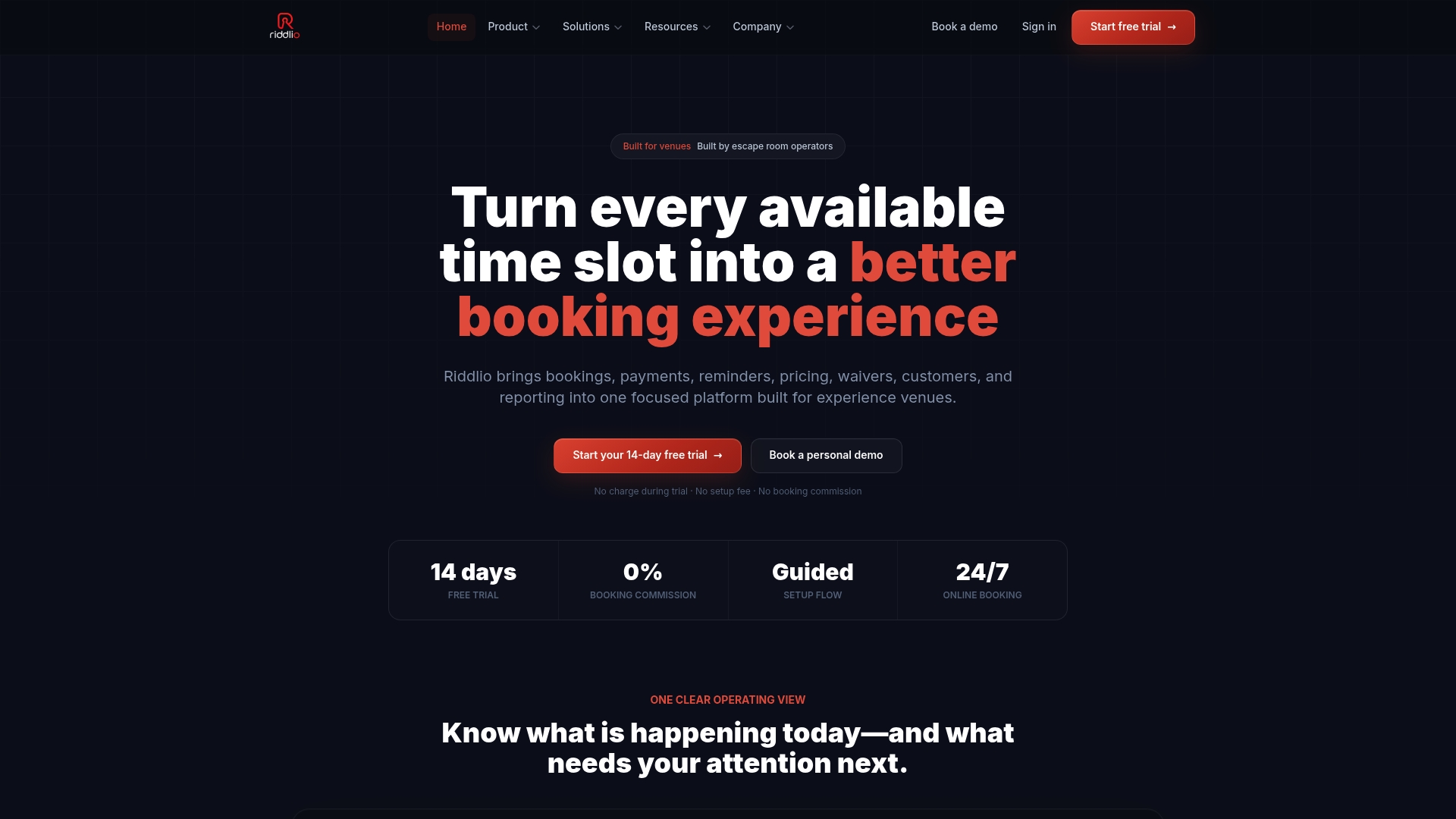
Riddlio is an online booking and business management platform built for escape room venues. It brings bookings, availability, payments, customer communications (email and SMS reminders) and reporting into one place, with white-label booking widgets for your own website and analytics on booking and revenue performance. Because the escape-room-specific workflows handle player numbers, room availability and group bookings, the details that cause hesitation, such as group-size limits and open slots, sit in the same system as your payments and messages.
Plans are published on our pricing page: Starter at $29 per month, Pro at $79 per month, Unlimited at $199 per month, and Enterprise on request. If you want to see how the pieces connect, start with our escape room booking software.
If you also run other immersive formats, the same approach applies to immersive experience booking, and our SMS reminders cover the step after the booking is complete.
Our perspective
Most venues treat abandoned bookings as a marketing problem. We see them as an operations problem first. A person who reaches your payment step has done the hard part: they picked your room over every other thing they could do on Saturday night.
What loses them is usually something small and specific to escape rooms: a group-size rule that appears too late, a slot that looks free and is not, a total that differs from the price on the room page. That is why we built Riddlio around player numbers, room availability and group bookings, with payments, email and SMS communications and reporting in one platform instead of four tools that do not talk to each other.
Our advice to owners is to start with the form, then add the follow-up, then measure both. When bookings, payments and messages live together, you can see where people leave and what the follow-up brought back, and you can act on it in the same week.
Iosif Beraru
FAQ
Is an abandoned booking the same as a no-show?
No. An abandoned booking never reached payment, so nothing was reserved. A no-show is a confirmed booking where the group does not arrive and has not contacted the venue, as venue policies such as Timebox Escape’s describe. They need different fixes: recovery messages and a smoother form for the first, reminders and clear policies for the second.
How soon should I send a recovery message?
Within the first hour is a sound default. OneSignal’s example journey waits up to 10 minutes before sending. Follow with a single reminder the next day for people who still have not booked, then stop.
Do I need to offer a discount to recover bookings?
Usually not. Many visitors leave because of a question, a group-size rule or an unexpected fee. A message that shows the room, time, total price and a direct link back answers most of that. Keep discounts for situations where your pricing already includes them.
What can I do if I cannot contact people who leave?
Collect an email address or phone number earlier in the booking flow, before payment, and tell people it is used for their confirmation. Without contact details no message can be sent, so improving the form and showing price and group-size rules early becomes your main lever.
Which number should I watch first?
Watch recovered revenue alongside the step where people leave. Recovered revenue shows what the messages earn. The drop-off step shows which part of your booking flow to fix so fewer people need recovering at all.
Sources
- FAQ, Timebox Escape (Miami, FL)
- 6 Reasons Why Your Escape Room Website Isn’t Converting Browsers into Bookings, Slamdot
- What percentage of online shoppers abandon their cart?, Red Stag Fulfillment
- Complaint for Permanent Injunction, Monetary Judgment, and Other Relief, US Federal Trade Commission
- Booking confirmations, OneSignal documentation
- Why Most Booking Widgets Lose Leads (And How to Recover Them)